Ultra BMSDocs
Demo

What this app is

The app gives your company one private workspace for its documents, stock, money and people, with AED amounts and UAE dates and tax fields built in.

Getting startedUpdated 07/10/2026 · 2 min read

In this article

Overview

Your company gets one workspace. Everyone you invite signs in to that same workspace and sees the same records, limited by the role you give them. Nothing you enter is visible to any other company.
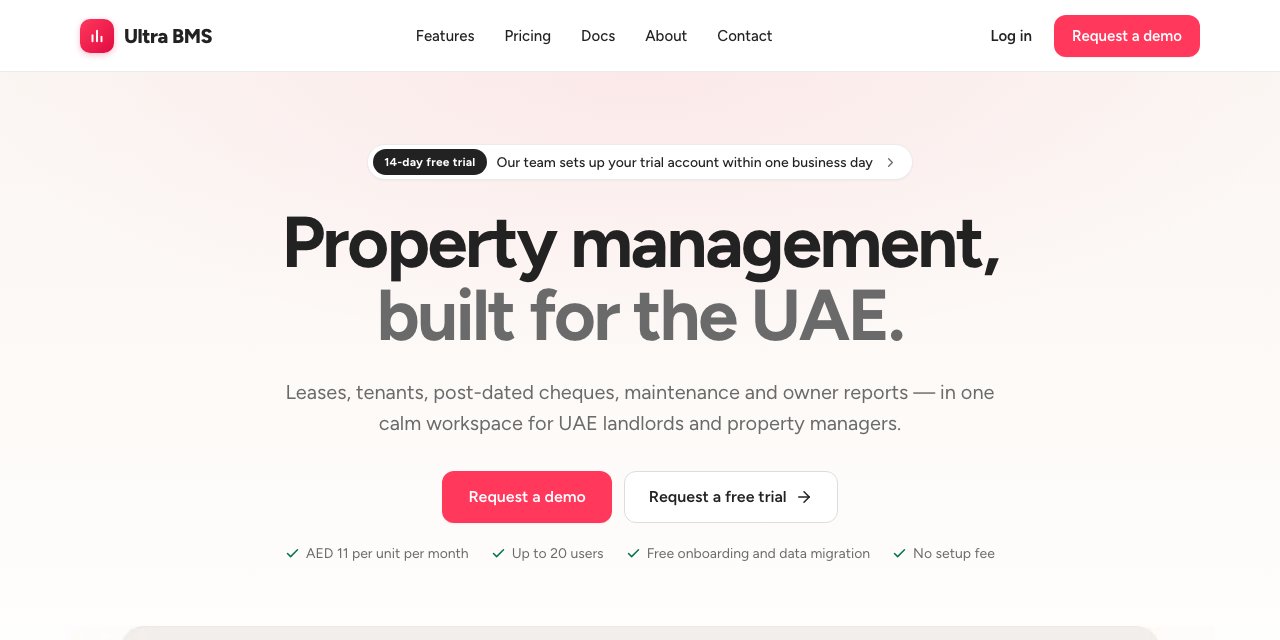
The public home page, with the Log in link in the top bar and the Request a demo button
You reach your workspace from the Log in link on the home page.
  1. Log in opens the sign-in page
  2. Request a demo reaches our team

How every screen is laid out

Part of the screen: Left rail (dark strip)
What it does: One icon per module. Point at one to preview its menu, click it to open it.
Part of the screen: Menu panel
What it does: The screens of the selected module, in groups. The screen you are on is highlighted.
Part of the screen: Page header
What it does: Shows where you are, the page title, the main buttons of that page, and the Help and Notifications buttons.
Part of the screen: Amna
What it does: The assistant button at the bottom right. Ask it how to do something on the screen you are looking at.

Rules that hold everywhere

Topic: Money
How the app handles it: Every amount is in AED, with two decimals.
Topic: Dates
How the app handles it: Dates read DD/MM/YYYY.
Topic: Records
How the app handles it: Users, vendors and financial records are made inactive rather than erased, so the history stays complete.
Topic: Users
How the app handles it: Every plan includes up to 20 users. Active and invited staff count toward the 20.
Topic: Printed documents
How the app handles it: Add your Arabic company name and address in Company profile so documents can carry both languages.

Where to go next

Sign in and take the first-day tour in Log in and your first day.

Learn the screen in Find your way around.

Invite your team in Invite your team and give them roles.

Fill in your company details in Company profile.

FAQ

Do I need to install anything?

No. The app runs in your web browser. Sign in from any computer.

Can I try it before we subscribe?

Yes. Ask for a free trial and our team sets it up for you. The workspace starts empty, and everything you add stays when you subscribe.

Will you move our existing records for us?

Yes. Onboarding and data migration are free.

Related guides

Was this helpful?